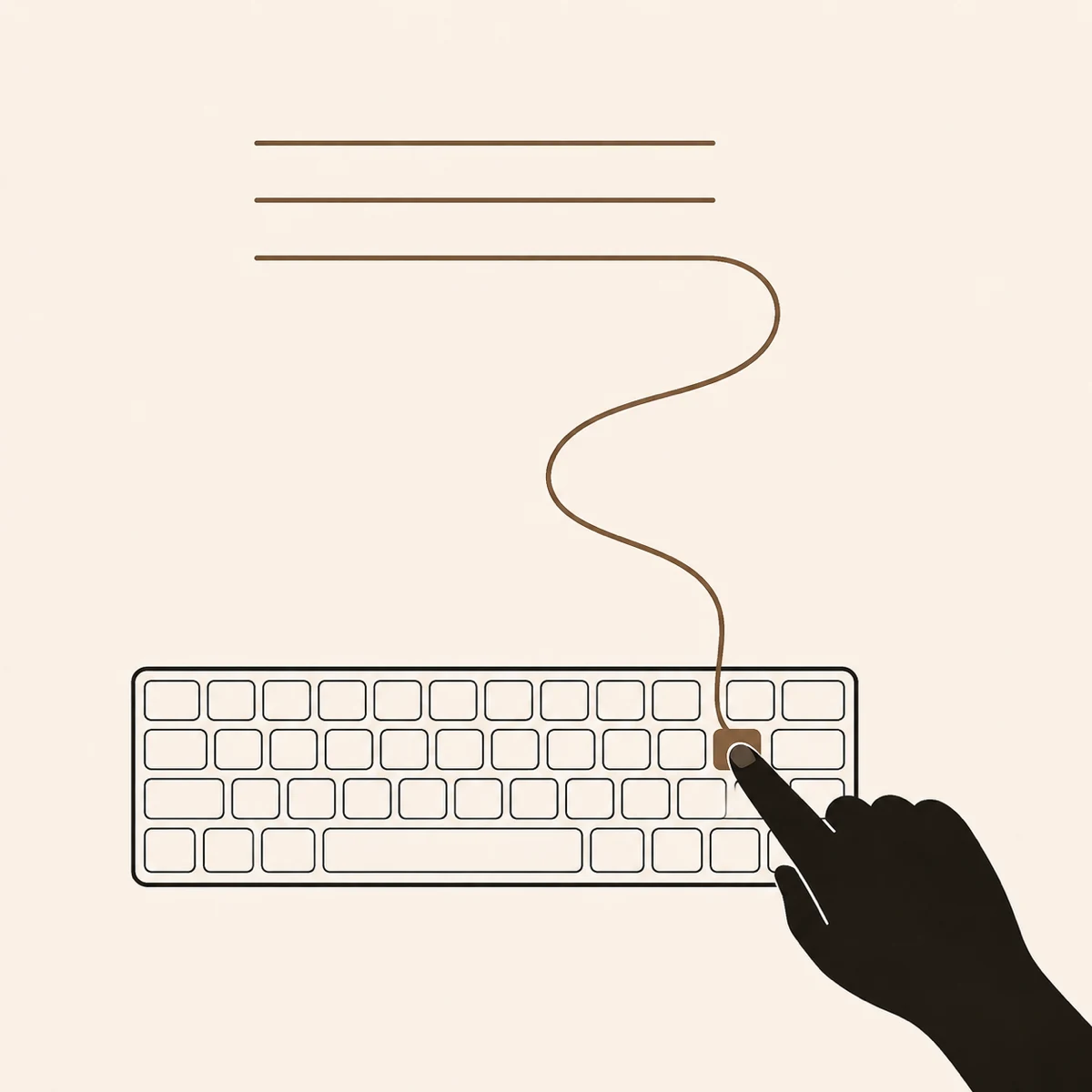
Press-to-dictate
Hold Right ⌥. Speak. Release. Words land at the cursor — Slack, ChatGPT, Cursor, anywhere.
Q2 Planning — Onboarding redesign
14 May 2026 · 38 min · Miguel, Sarah, Tomás
Summary
Agreed to cut onboarding from five screens to two. Sarah drafts the new flow; Tomás instruments drop-off in the existing version.
Decisions
Action items
Press-to-dictate into any Mac app. Capture a meeting. Or drop in audio from your iPhone — and get a structured note in Apple Notes.
Free during private beta · No subscription · Sign in once · macOS 13+ · Apple Silicon recommended
Hold Right ⌥. Speak. Release. Words land at the cursor — Slack, ChatGPT, Cursor, anywhere.
Press ⌃⌘R. Record a call. Get a structured note in Apple Notes — decisions, actions, risks.
Voice Memos, AirDrops, WhatsApp voice notes — any audio file. Drag it onto Alder and get a transcript and summary in Apple Notes, in the language it was spoken.
Decisions. Action items with owner and due date. The thing you’ll forget by Friday.
Attendees: Miguel, Sarah, Tomás · Duration 38 min · Recorded on MacBook Pro
Summary
Agreed to cut the onboarding from five screens to two. Sarah will draft the new flow; Tomás to instrument drop-off in the existing version so we can measure the impact.
Decisions
Action items
Open questions
Risks
Cutting screens may leave the permissions prompt without context. Mitigation: inline copy next to the system dialog when it appears.
Recording
On your Mac
Core Audio captures straight to disk. Nothing is streamed anywhere.
Transcription
On your Mac
whisper.cpp with Metal acceleration. Same models, no cloud.
Summary
Optional · your API key
Only the transcript is sent — directly to Anthropic, only if you turn it on.
Swift and Core Audio. Not Electron.
Dictate anywhere
Hold a key. Words land at the cursor in any app.
Smart cleanup
Optional Haiku pass — punctuation, capitals, no “ums”.
Vocabulary profiles
Engineering, medical, finance, or your own.
On-device
whisper.cpp with Metal. Audio never leaves your Mac.
Apple Notes output
Decisions, action items, risks. Not a wall of bullets.
iPhone audio, in
Drop Voice Memos, AirDrops, WhatsApp notes — any audio file.
Alder trees grow on riverbanks. Not the tallest trees, not the ones people photograph — but they quietly hold the soil together so everything else doesn’t collapse downstream. The app does the same with conversations.
Steady. Local. Quiet.
The full storyNo obligation. Your only ongoing cost is whatever you spend on Claude — if you turn it on.
Alder by MPuig · Beta
We’ll announce the public-release price before charging anyone.
What you get
And what’s not