A quiet tool, named after a quiet tree.
Alder is a Mac app for catching meetings before they drift away — recorded on your machine, transcribed on your machine, written into the Apple Notes app you already use. This is the story of why it exists, and how it got its name.
The habit
It started with a habit. I’d finish meetings with pages of scattered thoughts — half-sentences, action items buried in paragraphs, decisions I couldn’t remember three days later. Every meeting felt like information disappearing in real time.
I tried every tool. Meeting bots that joined calls and announced themselves to the room. Cloud transcription platforms that stored audio I’d never agreed to share. AI copilots recording everything somewhere I couldn’t see.
None of them felt right. Too loud. Too invasive. Too corporate.
I wanted something quieter. Something that behaved like a good notebook sitting beside a Mac — present when needed, invisible the rest of the time.
The walk
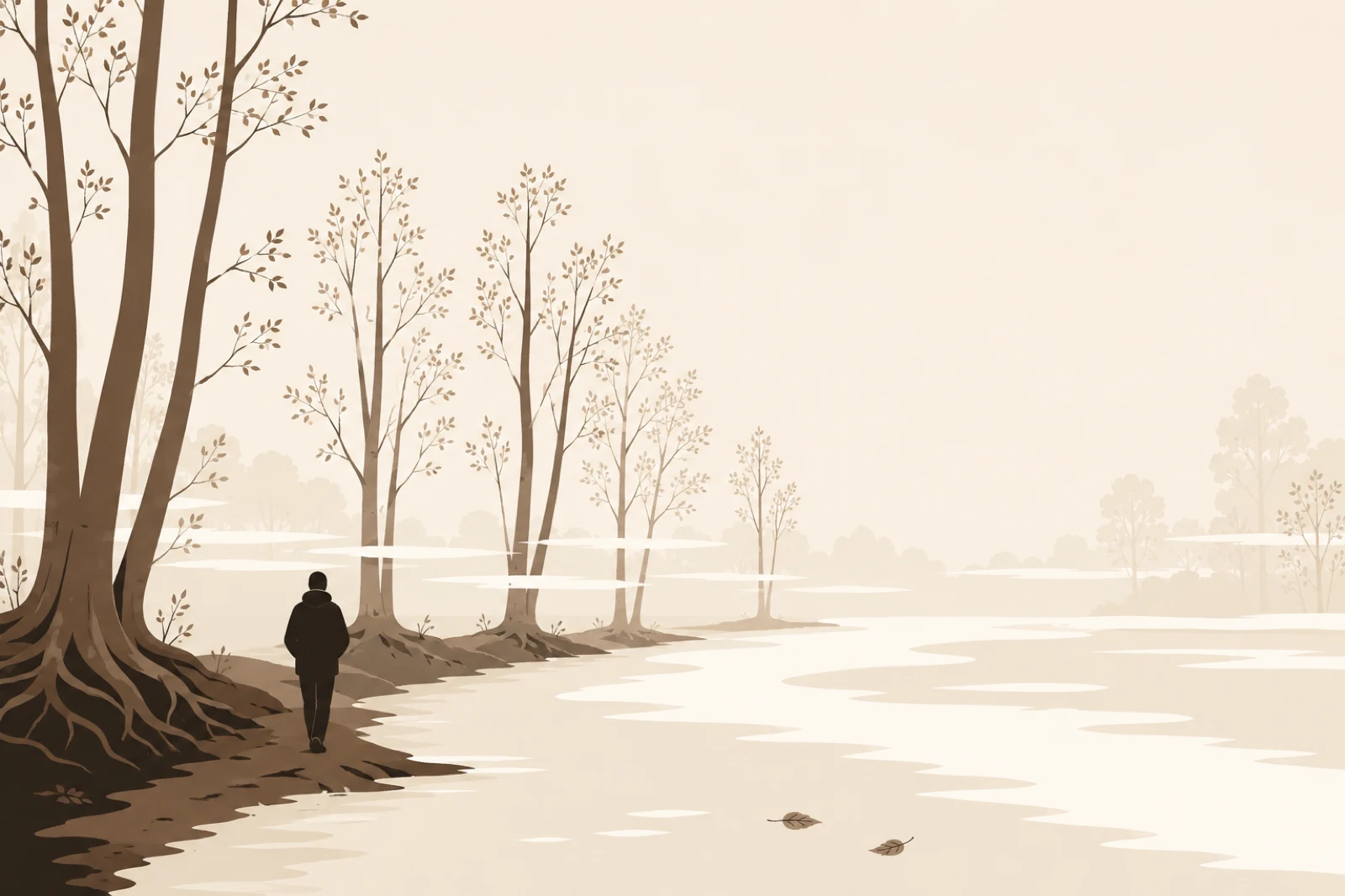
The idea took shape on a walk through a wet forest in Galicia.
Alder trees lined the riverbanks — not the tallest trees, not the dramatic ones people photograph, but stable, grounding trees. They grow beside moving water and quietly hold the soil together so everything else doesn’t collapse downstream.
That feeling stuck.
The app wasn’t supposed to dominate meetings. It wasn’t supposed to become another social workspace. It wasn’t trying to “augment human intelligence.”
It just needed to catch conversations before they drifted away.
Steady. Local. Quiet.
Why the name fits
So the app became Alder — a small thing sitting on your Mac, listening only for you.
Stabilises what flows past
Alder trees are known for holding riverbanks together. The app holds the structure of a conversation in place after it’s ended.
Made for writing
Alder wood was traditionally used for pencils, instruments, and the kind of craft tools you keep on your desk for years.
Lives near flow
Alder thrives next to streams — fitting for an app that turns flowing conversation into fixed, structured notes.
Quiet confidence
Soft geometry, calm typography, paper-coloured surfaces. The product looks less like “AI software” and more like a trusted tool already on your Mac.
What Alder stands for
Three principles, in priority order.
-
01
Quiet by default
Alder is designed so I never have to ask you to trust me with your conversations. If a feature would require collecting them to work, it doesn’t ship.
-
02
Native craft
Alder is a real Mac app — Swift, AppKit, Core Audio. Not Electron in a trench coat. It boots in milliseconds and respects your battery.
-
03
You own your notes
Audio lives on your disk. Notes live in Apple Notes. The only thing Alder keeps in the cloud is your sign-in — your email and which plan you’re on. Nothing else.
The privacy story is spelled out in plain English on the Privacy page; the meeting workflow is on the Meetings guide.
The maker
Built by Miguel Puig in London.
I design, write, and ship Alder in evenings and weekends, alongside my day job. Alder is the tool I wanted for my own meetings, made carefully enough that I’m happy to share it.
The publisher
Alder is published by MPuig Ltd, registered in England and Wales.
- Registered
- England and Wales
- Headquarters
- London, United Kingdom
Contact
Replies usually within 48 hours, in plain English, from a real person.
Try it on your next meeting.
Free during the private beta. macOS 13+. No subscription. Sign in once with Google or email.